
Why this site exists
You’re staring at a command prompt that won’t accept input, or a software update that broke something essential, or a manual that assumes you already know the terms it uses. The solutions you find online either overcomplicate the fix or leave out the step that actually matters.
This site exists to close that gap.
Here, every prompt, shortcut, and troubleshooting guide is stripped down to what works. No jargon, no fluff—just the commands, the clicks, and the workarounds that get you unstuck.
Whether it’s reviving a frozen system, configuring a tool the way you need it, or understanding why your software behaves like this, the answers are direct and tested in real environments.
Who writes this site

Kendra Ocampo runs this site.
Do you test everything yourself?
Yes, but not always in the first version. I write it, break it, then fix it again—usually while someone else is watching and asking why I did that. Real-world testing means real-world mistakes.
What do you get wrong?
The occasional typo in a command, or a step that works on my machine but not yours because of some obscure setting. If you spot one, I’ll fix it—and I’ll note it so others don’t waste time.
Why isn’t something here?
If it’s a paid tool with no free alternative, or if the fix requires hardware I don’t have, or if the problem is too niche to matter, it’s not here. Priorities: what helps the most people, not what’s easiest to write.
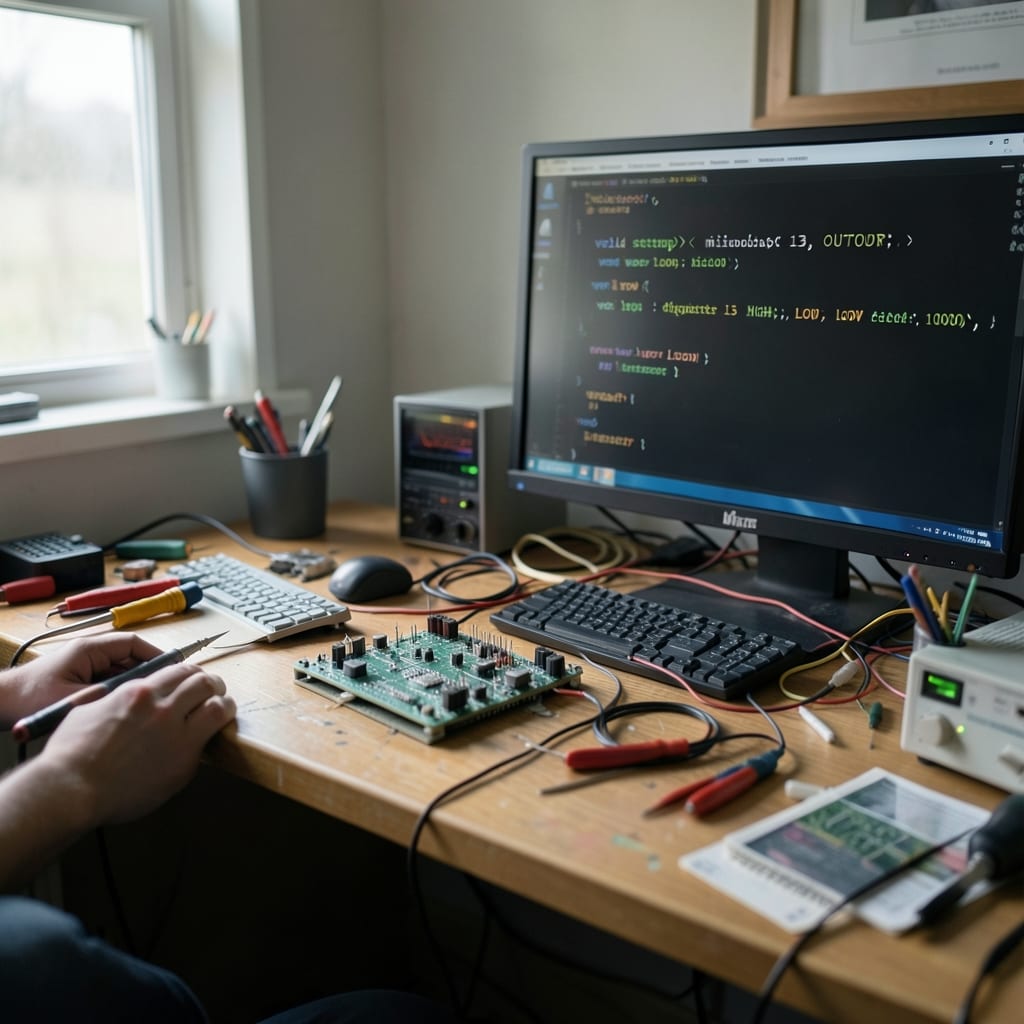
The desk where I write this has a coffee mug that’s held together with tape, a keyboard with a missing keycap, and a monitor that flickers when the room gets too hot. It’s where the real work happens.
How a guide is built
It starts with a problem that refuses to stay solved. Maybe it’s a script that crashes, or a setting that resets itself, or a tool that behaves differently on every machine.
The goal isn’t to document how it *should* work, but how it *does* work—where the friction is, and how to push past it.
The first draft

I write the steps as if I’m talking to someone standing next to me. No assumptions about what they know. If a command needs a flag, I spell it out. If a file path changes, I note the version.
The first version is always messy—too long, too vague, or missing the part that actually fixes it. That’s the point.
The fixes
Then I break it. I close the terminal, restart the machine, or—if I’m feeling thorough—I let someone else try it who’s never seen the guide before. The gaps appear fast: a missing `sudo`, a typo in a variable name, a step that’s impossible if you’re not an admin.
Those get rewritten. The goal isn’t perfection; it’s clarity under pressure.
What we will not do
This site won’t publish guides that require buying specific hardware, or that assume you’re using a setup most people don’t have. We won’t write about ‘advanced’ features if the basic version does the job just as well.
And we won’t pretend every problem has a single, universal solution—some just need time, patience, or accepting that the tool isn’t for you.
Things you will never find here
- Guides that push you toward paid software when free tools exist.
- Step-by-step tutorials for features you’ll never use.
- ‘Best of’ lists that rely on opinions, not testing.
- Solutions that require disabling security updates.
Where to start
If you’re new, begin with the ‘Troubleshooting’ section—it covers the most common stuck points. The ‘Shortcuts’ guides are for people who work with the same tools every day and want to save time. Can’t find what you need? Search for the exact error message or behavior, not the tool’s name.
Often, the problem isn’t the software; it’s the setup.
Say hello
I like hearing about the problems that stumped you for hours, or the workarounds you figured out that aren’t documented anywhere. If you’ve found a fix missing here, or if a guide didn’t work for your setup, let me know—preferably with the exact steps you tried and what failed.
The contact page is where to go.
The guides are grouped by category: App, Coding, Hardware, Operating System, Outlook and PowerPoint.