
Operating System
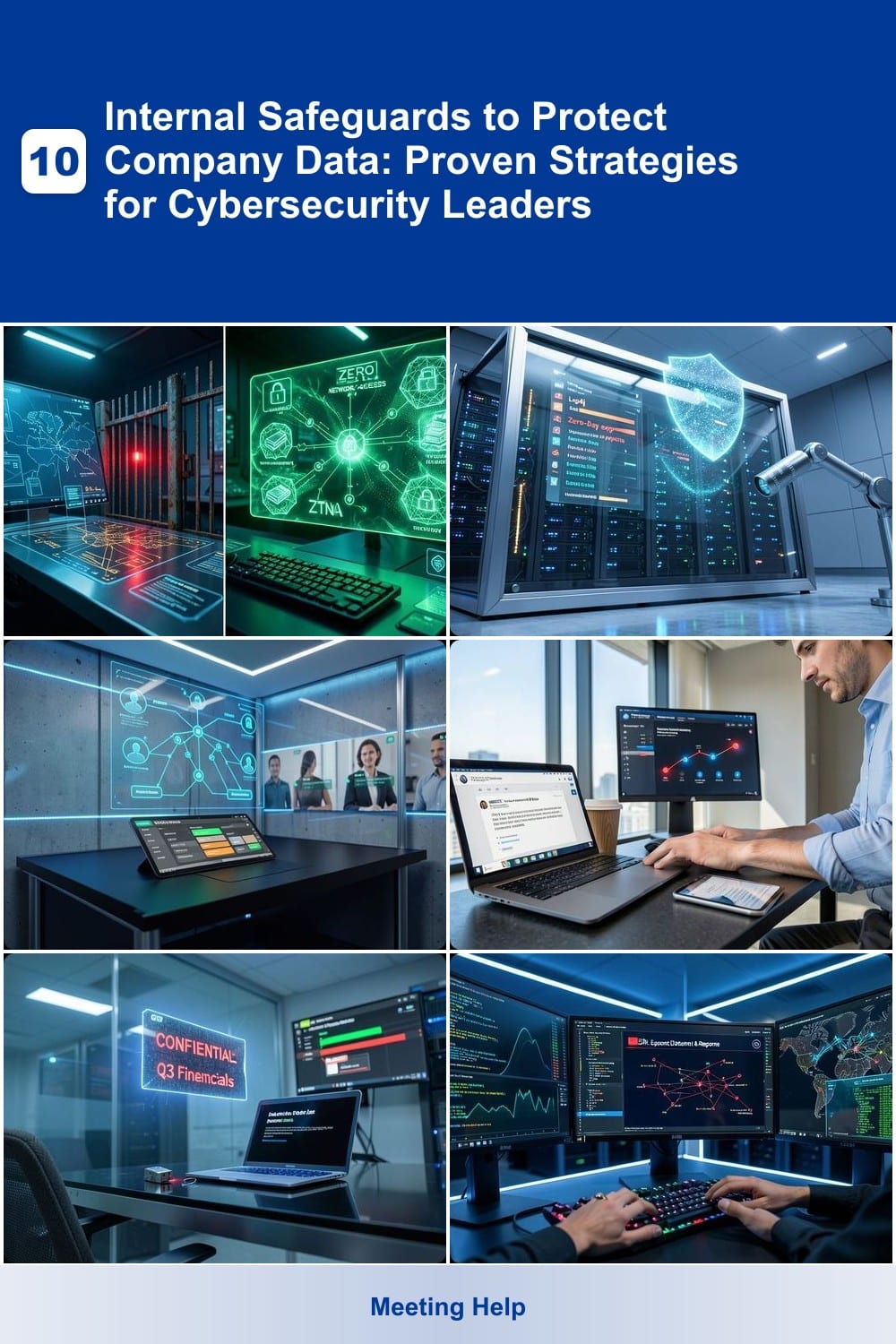
Data breaches cost businesses billions annually—yet many overlook internal safeguards that prevent attacks before they start. These 10 proven strategies empower cybersecurity leaders to build a defense-in-depth approach that reduces vulnerabilities from within.
Zero Trust Network Access Implementation

Tired of relying on outdated "trust but verify" models that leave your network vulnerable? Zero Trust Network Access (ZTNA) flips the script by demanding verification for every user and device—even those already inside your perimeter. This approach stops lateral movement in its tracks by treating all access attempts as potential threats, regardless of location.
With continuous authentication and micro-segmentation, ZTNA ensures only authorized users with up-to-date devices can access specific resources. Solutions like Cloudflare Access or Zscaler Private Access integrate seamlessly with existing infrastructure, requiring minimal disruption. The result? A 90% reduction in lateral movement risks—critical for industries like finance or healthcare where data breaches carry severe penalties.
Ideal for organizations with hybrid workforces or sensitive data, ZTNA transforms security from a perimeter-based model to a user-centric one. Start small with pilot programs in high-risk departments to prove its value before full rollout. ⚡
Automated Patch Management System

While Zero Trust focuses on verifying access, an automated patch management system acts as your first line of defense against exploits targeting unpatched software. These systems don’t just apply updates—they intelligently prioritize fixes for known vulnerabilities (like Log4j or Zero-Day exploits) before attackers can weaponize them.
Solutions like SolarWinds Patch Manager or Microsoft Endpoint Configuration Manager scan your environment for outdated software, then deploy patches across Windows, macOS, Linux, and even IoT devices—all while minimizing downtime. The best tools integrate with vulnerability databases (CVE, NVD) to ensure you’re always one step ahead of threat actors. For IT teams juggling hundreds of endpoints, automation saves hours weekly while reducing human error.
This safeguard is non-negotiable for organizations with mixed operating systems or legacy software—where manual updates are impractical. It’s the digital equivalent of locking your doors before going to bed. ⚡
Role-Based Access Control (RBAC) Optimization

Tired of hearing about breaches caused by employees with too much access? Role-Based Access Control (RBAC) flips the script by giving users only the permissions they truly need—no more, no less. Unlike static policies that let privileges accumulate over time, RBAC dynamically adjusts based on job functions, slashing the attack surface for insider threats and credential stuffing.
Modern RBAC systems like Microsoft Entra ID (formerly Azure AD) or Okta integrate with just-in-time (JIT) access, so admins can temporarily elevate privileges for audits or troubleshooting—then revoke them automatically. Tools like CyberArk even track permission changes in real-time, flagging anomalies like a developer suddenly accessing HR databases. The result? 60% fewer privilege escalation risks in organizations that enforce RBAC rigorously.
This isn’t just for Fortune 500s—small teams using Google Workspace or Slack can implement simplified RBAC to restrict who can delete channels or share files. Start with departmental roles (e.g., "Finance_ReadOnly") and audit permissions quarterly to keep up with staff changes. 💪
Employee Security Awareness Training Program

Most cybersecurity defenses focus on firewalls and encryption—but what if your biggest vulnerability is the people behind the keyboards? Employee Security Awareness Training Programs turn staff into a human firewall by simulating real phishing attacks, then coaching them on how to spot and avoid threats.
These programs use AI-driven phishing simulations that mimic actual attack vectors (malicious links, fake invoices, urgent "boss" emails) and track click-through rates in real time. The best solutions, like KnowBe4 or PhishMe, deliver personalized feedback and gamified learning to reinforce best practices. Studies show they can slash phishing success rates by 70%+ within just three months.
Perfect for organizations where employees handle sensitive data—especially finance, healthcare, or legal firms—this safeguard costs a fraction of a breach cleanup and requires zero upfront hardware. The ROI? Fewer compromised accounts and a culture where security becomes everyone’s responsibility. 💡
Data Loss Prevention (DLP) Policy Enforcement

Accidental data leaks—whether through misplaced emails or lost USB drives—can cripple a business faster than external hacks. Data Loss Prevention (DLP) acts as your last line of defense, scanning and blocking sensitive data before it leaves your network, even if it’s an employee’s mistake.
Modern DLP solutions like Symantec DLP or Microsoft Purview monitor email attachments, cloud uploads, and removable media in real time. They use context-aware policies to flag PII (e.g., SSNs, credit card numbers) or proprietary documents, while adaptive access controls ensure only authorized users can transfer sensitive files. With AI-driven anomaly detection, they catch unusual behavior—like a finance employee suddenly emailing 10GB of data to a personal account—before it’s too late.
This is non-negotiable for healthcare (HIPAA), finance (GLBA), or R&D firms handling trade secrets. Even small businesses storing customer data should prioritize DLP—it’s the digital equivalent of a safe deposit box for your most critical files. ✨
Endpoint Detection and Response (EDR) Deployment

When antivirus alone isn’t enough to stop sophisticated threats, Endpoint Detection and Response (EDR) steps in as your cybersecurity force multiplier. Unlike traditional antivirus that only reacts to known malware, EDR provides real-time behavioral analysis to detect zero-day attacks, insider threats, and advanced persistent threats (APTs) across all endpoints—whether employees work remotely or use their own devices.
Solutions like CrowdStrike Falcon or Microsoft Defender for Endpoint offer AI-driven threat hunting, automated response actions, and detailed forensic investigations. You’ll get visibility into every device’s security posture, with features like fileless malware detection and lateral movement tracking to stop attackers before they escalate. Deployment is flexible—cloud-based or on-premises—to fit any organization’s infrastructure.
This is the go-to safeguard for companies embracing BYOD policies or supporting distributed teams. By combining prevention, detection, and response in one platform, EDR turns your endpoints into a proactive shield against evolving cyber threats. ✨
Multi-Factor Authentication (MFA) Enforcement
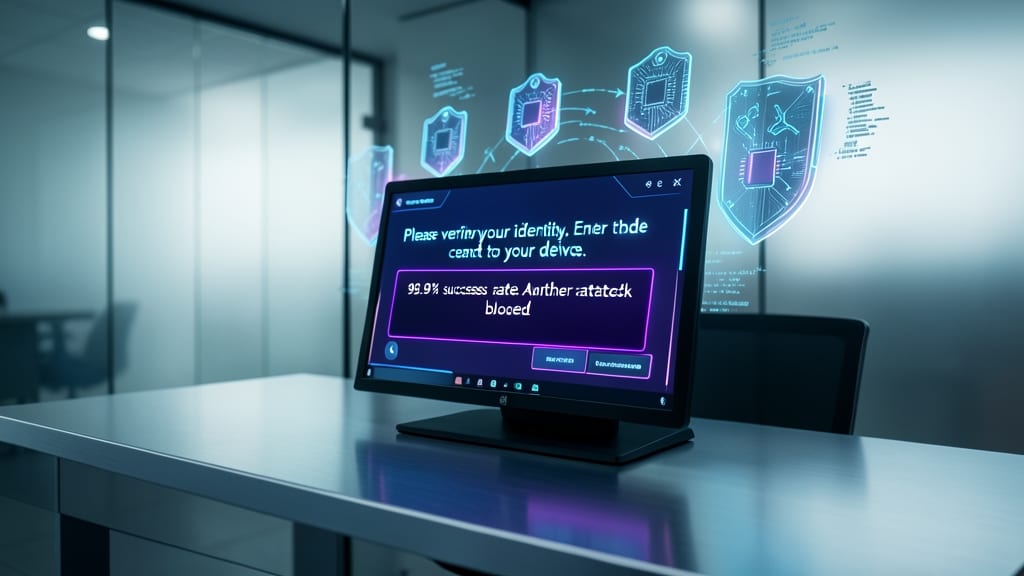
After patching vulnerabilities and restricting access, the final line of defense against credential theft is Multi-Factor Authentication (MFA)—a simple yet devastatingly effective barrier that stops 99.9% of automated attacks before they reach your systems.
MFA works by requiring two or more verification methods (like a password + biometric scan or push notification) for access. For privileged accounts—where breaches cause the most damage—it’s non-negotiable. Solutions like Microsoft Authenticator or Duo Security integrate seamlessly with existing systems, offering zero-configuration options for quick deployment. Even remote workers benefit from location-based alerts that flag logins from unusual devices.
This is the lowest-effort, highest-impact safeguard for IT teams—ideal for organizations with hybrid workforces or sensitive data. Start with admins, then roll it out company-wide. 💪
Secure Configuration Management Framework

Half of all breaches stem from misconfigured systems—yet many teams struggle to enforce consistent hardening across devices. A Secure Configuration Management Framework solves this by automating compliance with NIST SP 800-53 or CIS Benchmarks, ensuring every server, endpoint, and cloud instance meets security baselines without manual guesswork.
Tools like Ansible Tower or Microsoft Intune integrate with your existing infrastructure to deploy pre-approved configurations, track deviations in real-time, and generate audit reports. The framework’s policy-as-code approach eliminates "works on my machine" exceptions by enforcing rules for everything from disabled SMBv1 to firewall port restrictions, all while reducing IT overhead by 60% in pilot deployments.
This is your best bet for regulatory compliance (HIPAA, GDPR, PCI DSS) and high-risk environments like finance or healthcare, where auditors demand proof of consistent hardening. Start with a single benchmark—like CIS Level 1 for Windows—before scaling to full automation. ✨
Incident Response Plan Development

When a breach happens, every minute counts—yet many teams scramble without a clear playbook. An Incident Response Plan (IRP) turns chaos into action, with tabletop exercises that sharpen team reflexes and cut response times by up to 40% in real-world testing.
This isn’t just a document—it’s a battle-tested framework that defines roles (e.g., Forensic Analyst, Legal Liaison), escalation paths, and containment steps for scenarios like ransomware attacks or data exfiltration. Tools like Splunk or IBM Resilient integrate with your existing stack to automate alerts and log timelines, while NIST SP 800-61 provides a proven structure for customization.
Ideal for mid-sized enterprises to large corporations, an IRP ensures compliance during audits while giving employees confidence during crises. The key? Practice regularly—just like fire drills, but for cyber threats. ✨
Third-Party Risk Assessment Process

Supply chain attacks are on the rise—yet most companies only assess vendor risks after signing contracts. A third-party risk assessment process flips the script by evaluating security posture before partnerships begin, using automated questionnaires and continuous monitoring.
Start with ISO 27001-aligned assessments to measure compliance, then layer in penetration testing for critical vendors. Tools like RiskRecon or BitSight automate scorecards for cloud providers, SaaS platforms, and manufacturers, flagging gaps in encryption, access controls, or incident response plans.
This safeguard is non-negotiable for industries handling regulated data (healthcare, finance) but scales to any organization relying on external partners. Proactively cutting weak links saves millions in breach fallout. ✨