
Tip & Trick
Remote work offers flexibility but exposes you to cyber threats like phishing, malware, and data leaks. These 10 security best practices—backed by IT experts—will harden your digital defenses and keep your sensitive work data protected, no matter where you log in from.
Zero Trust Network Access for Remote Logins
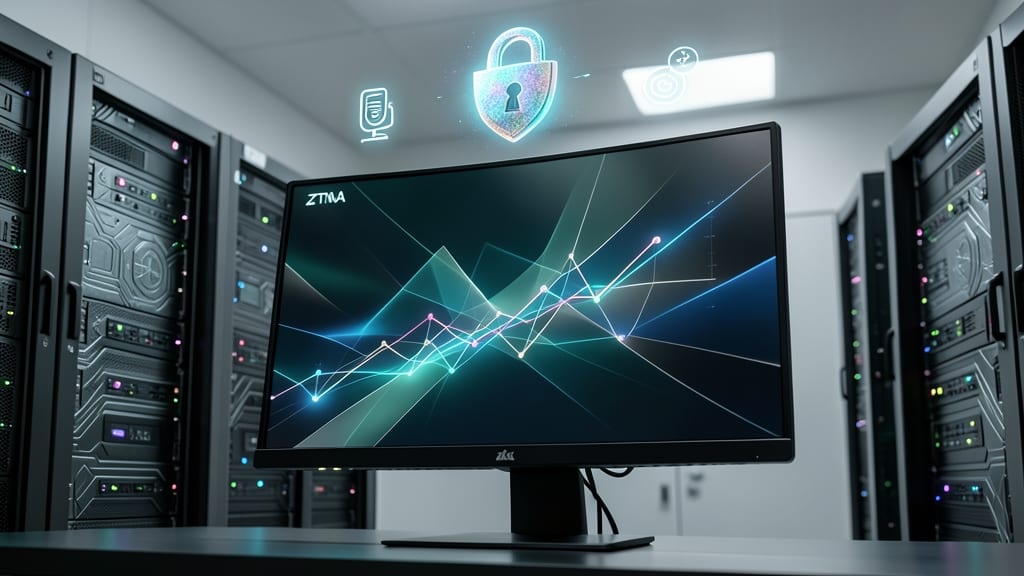
Say goodbye to VPNs that only check your credentials once—Zero Trust Network Access (ZTNA) treats every login attempt as a potential threat, regardless of where you're connecting from. Unlike traditional VPNs that trust devices once they're inside the network, ZTNA continuously verifies your identity, device health, and location before granting access.
With solutions like Cloudflare Access or Zscaler Private Access, you get granular controls such as device posture checks (ensuring your OS and antivirus are up to date) and just-in-time access to specific applications. This means even if an attacker breaches one user account, they can't move laterally across your network—because every access request is authenticated anew. The result? 90% fewer lateral movement incidents in real-world deployments.
This approach is ideal for remote teams handling sensitive data, like healthcare providers or financial analysts, where compliance and breach prevention are non-negotiable. 🌟
Passwordless Authentication with Hardware Keys

Tired of password fatigue and the constant fear of credential stuffing attacks? Hardware security keys like the YubiKey offer a game-changing solution by replacing passwords with FIDO2 protocol-based authentication, which blocks 99% of credential-based breaches.
These tiny, USB-C or NFC-enabled devices generate one-time cryptographic keys that authenticate you without storing passwords. Compatible with Google, Microsoft, and LastPass, they work with Windows Hello, macOS Keychain, and cloud services—no app downloads required. The YubiKey Bio even adds fingerprint verification for extra security.
Perfect for executives, financial professionals, or anyone handling sensitive data, hardware keys eliminate the weakest link in security: human-chosen passwords. ⚡
Endpoint Detection and Response Software

Your personal laptop might be the weakest link in your remote work security—especially when it’s also used for streaming shows or online shopping. Endpoint Detection and Response (EDR) software like CrowdStrike Falcon or SentinelOne acts as a silent sentinel, scanning for threats in real-time before they can encrypt your files or steal your data.
These solutions go beyond traditional antivirus by using AI-driven behavioral analysis to detect ransomware like LockBit or Ryuk before they execute. Features like automated containment isolate suspicious processes instantly, while offline threat detection catches malware that evades cloud-based scans. Many EDR tools also integrate with your company’s SIEM (Security Information and Event Management) system for centralized monitoring.
This is non-negotiable for remote workers who blend personal and professional use—think freelancers, hybrid employees, or anyone whose laptop duals as both workstation and weekend gaming rig. 💻
Secure Browser Isolation for Email Links
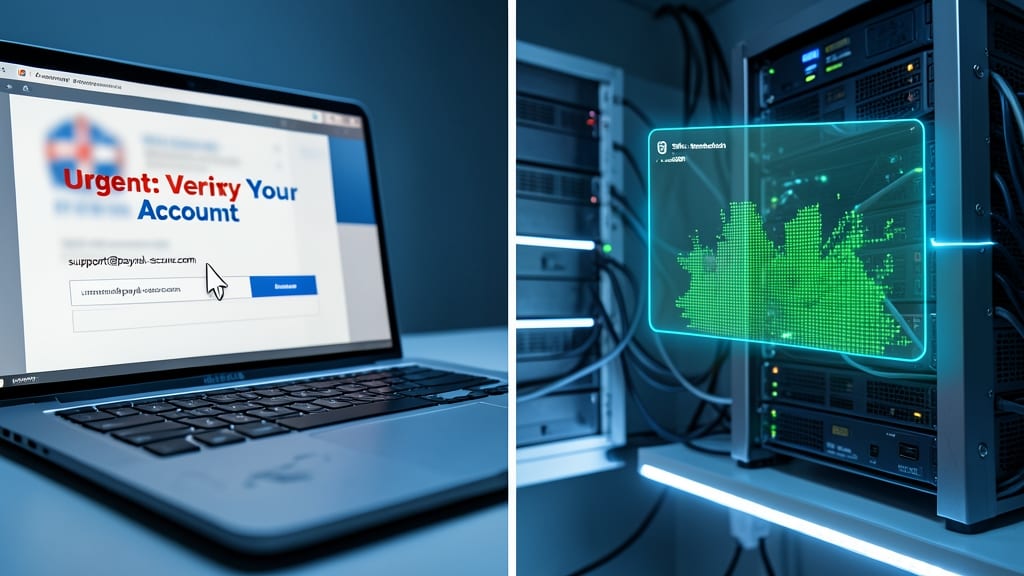
Ever clicked a link in an email only to realize too late it was a phishing trap? Secure browser isolation stops that before it starts by rendering suspicious websites in cloud-based containers—not on your device. This means malware, keyloggers, or ransomware can’t infect your machine, even if the link leads to a compromised site.
The best solutions, like Cisco Umbrella or Microsoft Defender for Office 365, analyze links in real-time and open them in isolated environments. You get zero trust for web traffic, meaning no malware ever touches your local files or network. For finance teams, this is non-negotiable—90% of breaches start with a phishing email, and isolation blocks the attack vector entirely.
This is the perfect defense for anyone handling sensitive documents, especially in roles where a single click could expose client data or financial records. 💻
Automated Patch Management for Home Devices
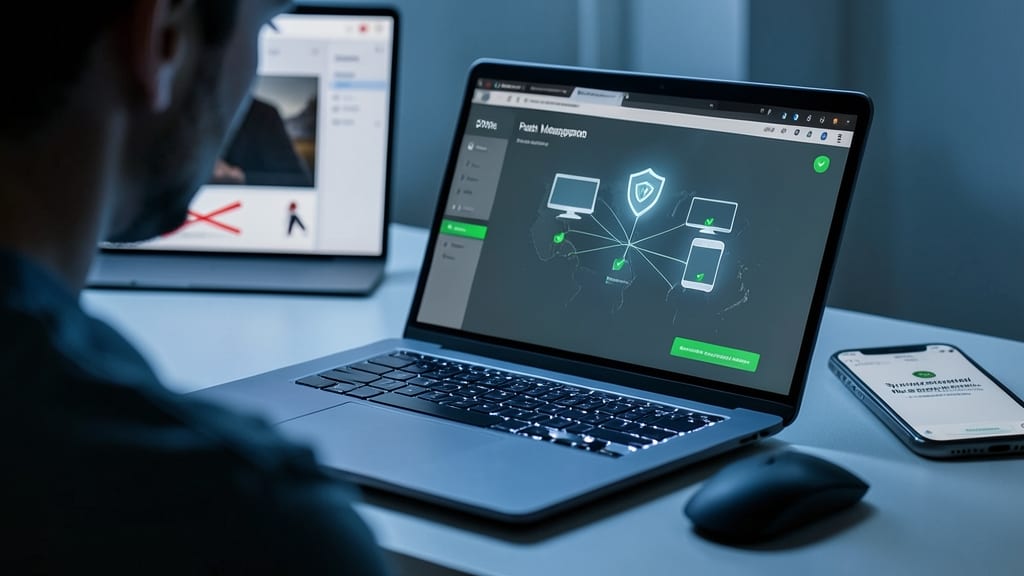
Forget manually hunting for updates—automated patch management silently closes security gaps in your home devices before hackers even notice them. Most cyberattacks exploit unpatched software, yet many remote workers ignore updates because they’re tedious or disruptive. Tools like Patch Management by ManageEngine or SolarWinds Serv-U handle this automatically, ensuring your OS, browsers, and apps stay protected without lifting a finger.
These solutions scan your devices daily, prioritize critical updates, and even deploy them during off-hours to minimize downtime. They’re especially vital for Windows, macOS, and Android devices, where outdated software is a top attack vector. The best tools also provide compliance reports, proving you’re meeting security policies—critical if your employer audits remote setups.
This is non-negotiable for freelancers, contractors, or anyone using personal devices for work. Set it up once, and you’ll sleep easier knowing your digital front door stays locked tight. 💪
Network Segmentation for Work Devices
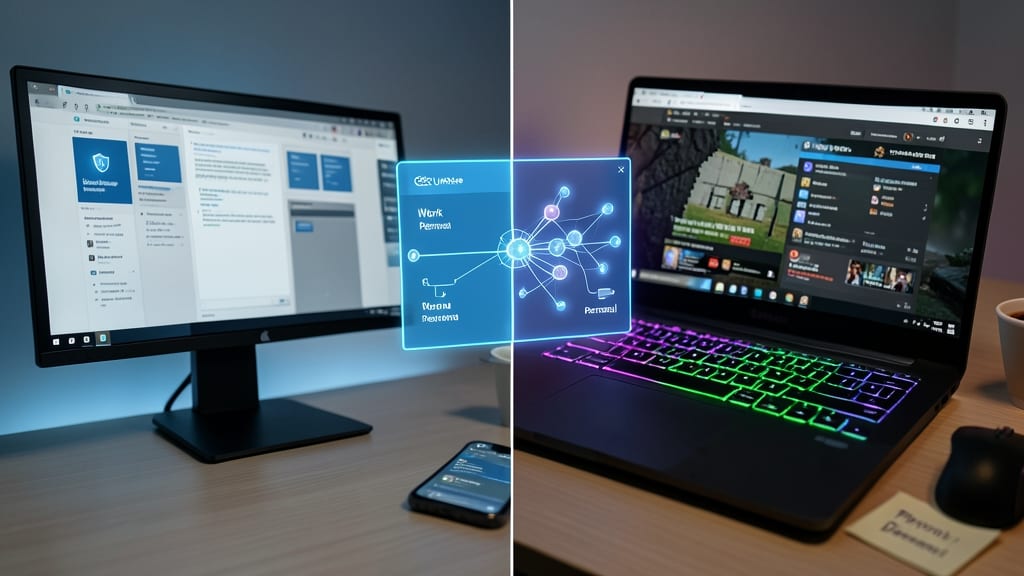
Juggling work and personal life on the same device? Network segmentation creates a digital firewall between your professional tools and personal browsing—so a compromised gaming site won’t derail your payroll processing.
Tools like Microsoft Defender for Endpoint or Cisco Umbrella let you carve out a dedicated work-only network profile on your laptop, routing corporate traffic through encrypted tunnels while keeping your Netflix habits separate. Even simpler solutions like Firefox Multi-Account Containers (for browsers) or VMware Workstation Player (for full virtual machines) achieve similar isolation with minimal setup.
This is your best defense when kids share your Wi-Fi or your side hustle overlaps with your 9-to-5. ⚡
AI-Powered Phishing Simulation Training
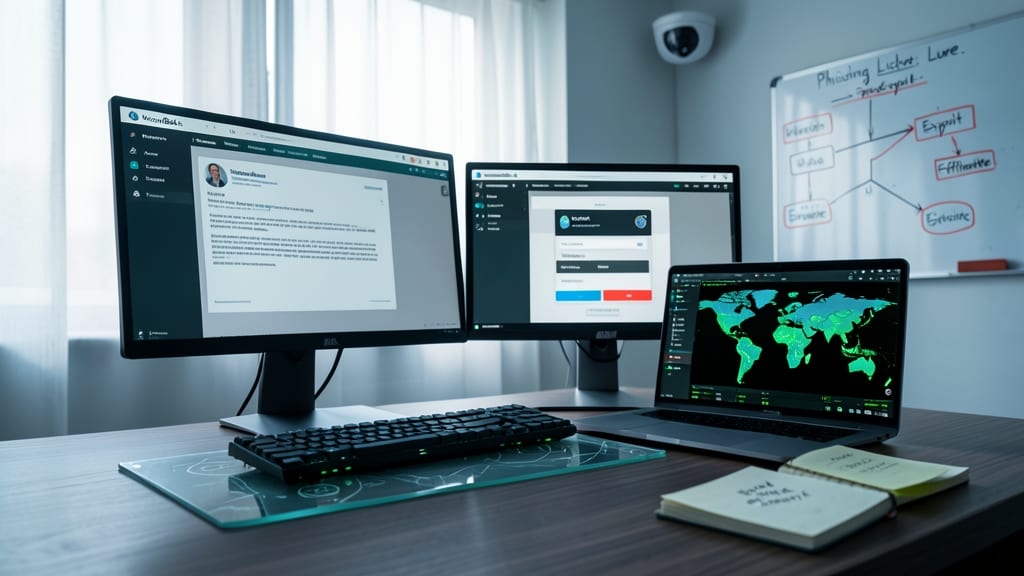
Human error remains the #1 cause of data breaches—but what if you could catch mistakes before attackers exploit them? AI-powered phishing simulations like KnowBe4 or PhishMe deploy hyper-realistic phishing tests that mimic actual attack vectors, from spoofed CEO emails to fake login portals.
These platforms use machine learning to adapt to employee behavior, sending increasingly sophisticated lures until your team passes a 70%+ reduction in clicks on simulated attacks. The best tools even provide personalized coaching, showing employees exactly why they fell for a trick and how to spot red flags in real emails.
Ideal for HR teams or IT admins managing remote employees, these simulations turn passive training into an interactive game—where the prize is a more secure workforce. 💡
Encrypted Cloud Storage with Access Controls
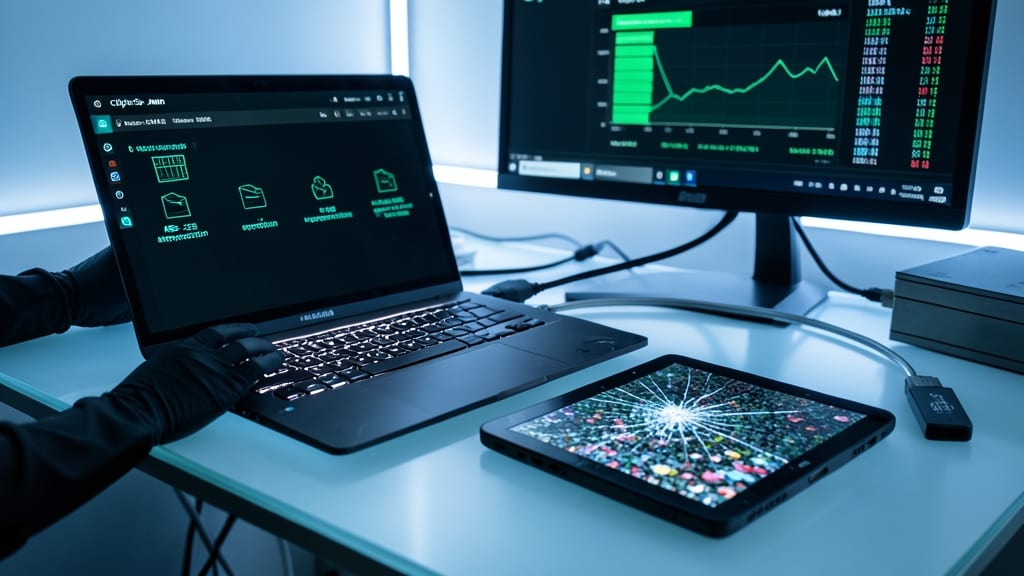
When you’re handling confidential client data outside corporate firewalls, standard cloud storage just isn’t enough. Solutions like CipherSpan or AWS KMS deliver AES-256 encryption (the same standard used by governments) to lock files at rest and in transit—so even if your device is stolen, the data remains unreadable without your keys.
Beyond encryption, these platforms offer role-based access controls (RBAC), letting you restrict file access by department, project, or even individual permissions (e.g., "view-only" for contractors). Audit logs track every download or share attempt, ensuring compliance with HIPAA, GDPR, or SOC 2 requirements without needing an IT team. For contractors juggling multiple clients, zero-config client isolation means files never mix between projects.
This is your go-to for freelancers, legal teams, or healthcare providers who need airtight security without the hassle of on-premise servers. 💻
Secure Wi-Fi with VPN Kill Switch
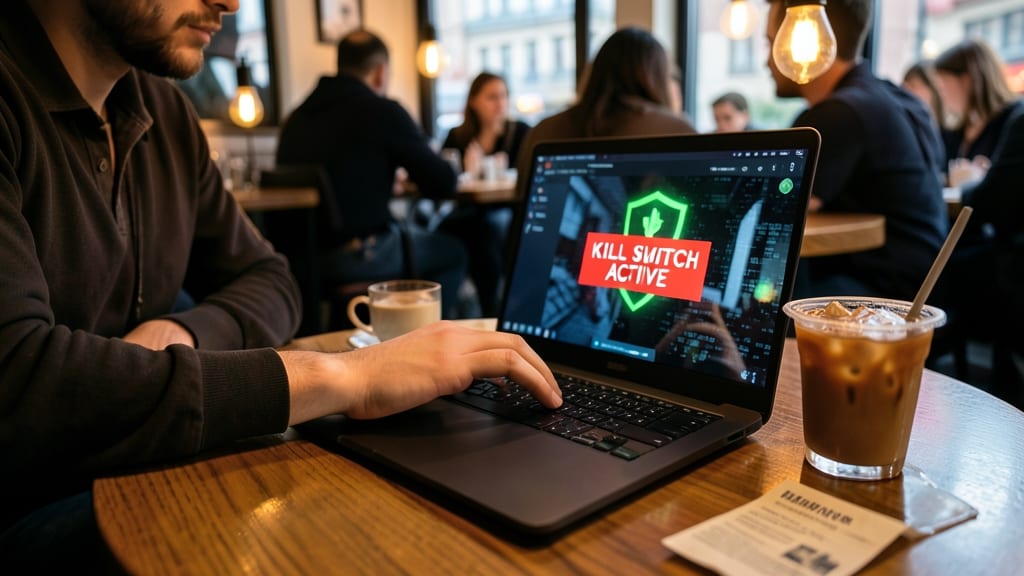
Public Wi-Fi in hotels or coffee shops is a hacker’s playground—but a VPN kill switch turns the tables by instantly blocking all internet traffic if your VPN connection drops. This single feature eliminates the risk of accidental exposure when your encrypted tunnel fails, a scenario that happens more often than you’d think.
Top-tier VPNs like NordVPN and ExpressVPN include this as standard, with some offering split tunneling to route only critical traffic through the VPN while keeping the rest local. The kill switch works system-wide, ensuring no data leaks—even if you forget to reconnect manually. For remote workers handling sensitive data, this is the ultimate safety net.
Freelancers, contractors, and road warriors who frequently switch networks should prioritize VPNs with kill switches—it’s the difference between a secure session and a potential breach. ⚡
Regular Security Audits of Home Offices
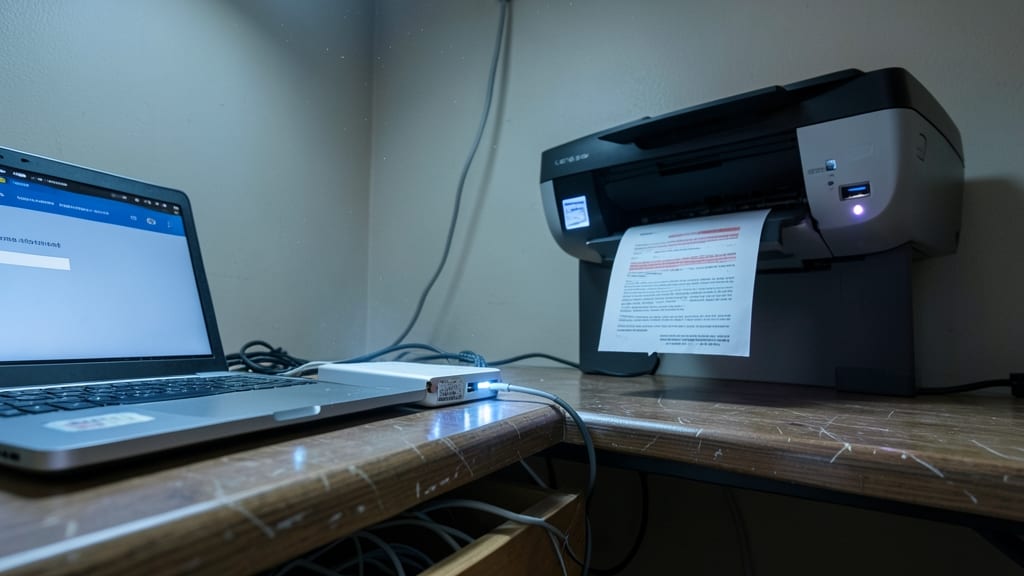
Your home office might feel secure, but default router passwords, unsecured printers, and exposed USB ports could be silently leaking data. A quarterly security audit—checking both physical and digital weak points—is the secret weapon most remote workers overlook, yet compliance teams demand.
Start with a physical walkthrough: label all cables, disable unused ports, and ensure printers aren’t storing sensitive documents in their buffers. Digitally, scan for outdated firmware, open RDP ports, or shared admin accounts. Tools like Nessus or OpenVAS automate vulnerability scans, while a ensures you cover all bases.
This practice is non-negotiable for contractors handling client data or freelancers in regulated industries—but even casual remote workers benefit from catching oversights before they become breaches. 🔧